01 · SEARCH
One name, 30 TLDs.
Results stream in as each registry answers. --extended checks 60; --tlds com,dev,co.uk checks only the ones you list.
 temper search
One command checks 30 TLDs. Press s for name variations when .com is taken, and enter to open the registrar you pick — only when you're ready.
From “what should I call it?” to the registrar page, without switching windows.
Results stream in as each registry answers. --extended checks 60; --tlds com,dev,co.uk checks only the ones you list.
temper searchPress s, or run temper suggest, to generate prefix and suffix combinations and check their .com. Press enter on one to check all 30 TLDs.
 temper suggest
On an available domain, enter lists registrars and opens the one you pick in your browser. Nothing is bought until you buy it there.
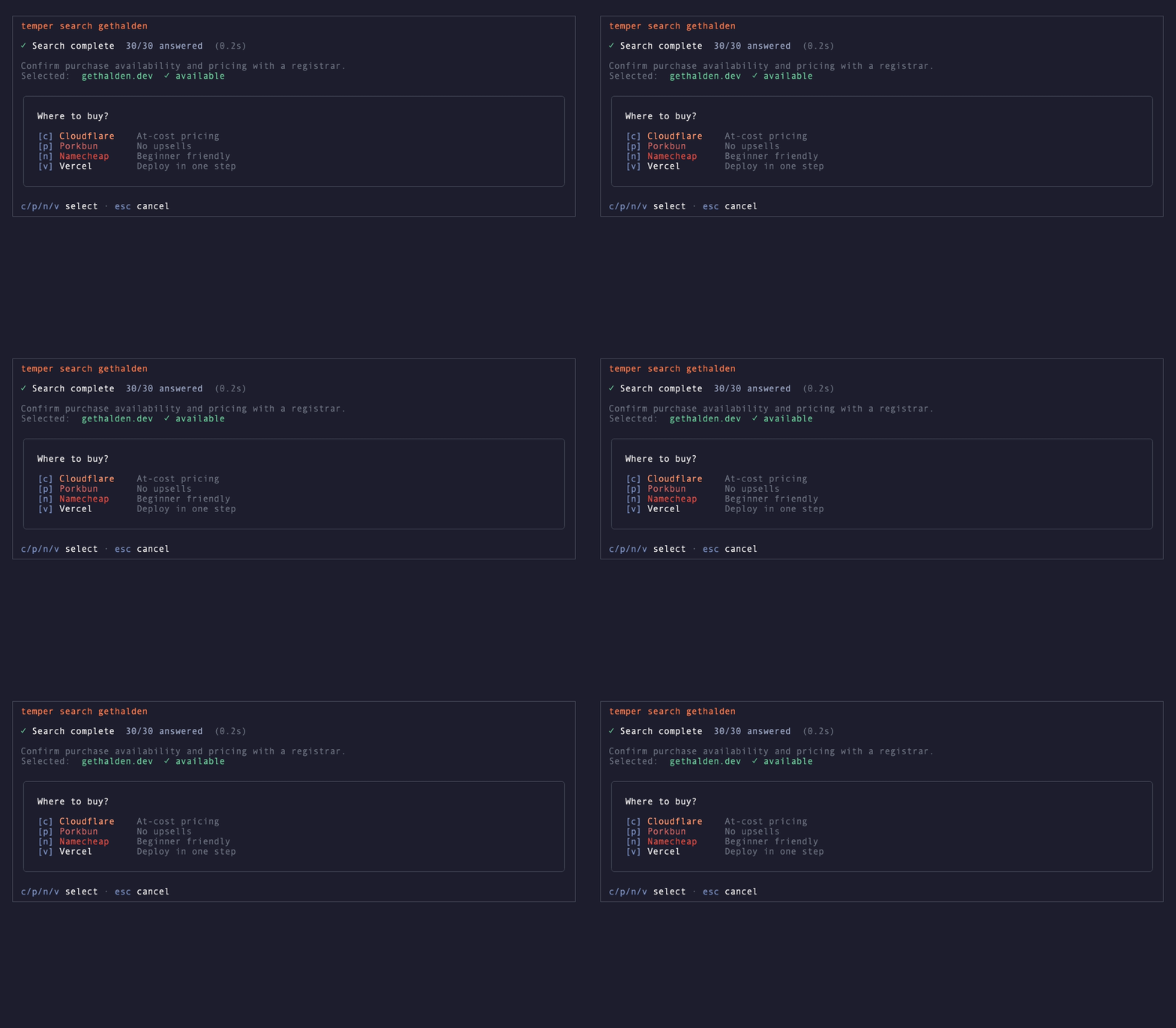 ↵ registrar
If someone already holds it, a adds it to your watchlist. temper list rechecks every watched domain, shows its expiry and registrar, and saves the answers. An expiry within 30 days, or already past, is highlighted; a domain taken at an earlier check and available now is marked "was taken".
 temper list
Recordings use synthetic lookup responses; they do not show current availability.
temper mcp runs a local MCP server. Your AI assistant searches domains, discovers extensions by industry, purpose or region, and checks only the extensions you choose. On request, it can resume exact unresolved candidates while respecting server waits, or open registrar pages.
open_registrar opens the page you pick.When invoked through your local MCP server, temper does not proxy requests through a temper-hosted service.
# Codex CLI / IDE extension
$ codex mcp add temper -- temper mcp

# or ~/.codex/config.toml
[mcp_servers.temper]
command = "temper"
args = ["mcp"]

# in the Codex TUI
$ /mcp
Free and open source. No account. macOS, Linux and Windows.
macOS and Linux. No separate runtime.
brew install jongjinchoi/temper-domains/temper
Any platform with Node.js 22.12.0 or newer.
npm install -g temper-domains
One-off run, no global install.
npx -y temper-domains search myproject
7 themes · pick one with temper init or temper config theme <name>
Beyond search: details, history, extensions and updates.
temper list rechecks and saves the watchlist; add --format json for scripts.More in the README.
No. temper checks availability over RDAP or WHOIS and opens the registrar you choose. Confirm purchase availability and price with that registrar.
On macOS and Linux, run: brew install jongjinchoi/temper-domains/temper. On any platform with Node.js 22.12.0 or newer, run: npm i -g temper-domains.
temper runs on macOS, Linux, and Windows through release binaries or npm. Homebrew installation supports macOS and Linux.
Yes. temper is open-source software released under the AGPL-3.0-only license.
30 TLDs by default. Use --extended for 60, --tlds for chosen extensions including co.uk, or --category for an industry. Use temper extensions to browse the full supported catalog by industry, purpose and region.
MCP (Model Context Protocol) lets AI assistants like Codex, Claude, and Cursor call external tools. Running 'temper mcp' starts a local stdio server exposing eleven tools: list_supported_tlds, search_domain, search_names, suggest_domain, check_domain_availability, whois_domain, open_registrar, and the watchlist tools watch_domain, list_watchlist, check_watchlist and unwatch_domain.
The CLI and local MCP server add no telemetry. Lookups go to registry RDAP/WHOIS servers, which receive the queried domain and connection metadata. Update checks contact npm or GitHub without sending domain names or history. The demo on this page sends names to its server-side API.
Yes. temper search <name> --format json prints results you can pipe into jq or your own tools. temper list --format json checks your watchlist, saves the answers and prints JSON, so you can run it from cron or launchd.
Then go build it. Open source, AGPL-3.0-only.